Innova 7111 OBD2 Tablet: A Must-have for DIYers and Technicians
Innova 7111 OBD2 Tablet: bidirectional all-system scan tool with OEM resets, live data, and RepairSolutions for DIYers and pros.

The Innova 7111 sits at the intersection of professional-grade diagnostics and prosumer accessibility. If you've ever wished your code reader could do more than pull a check engine light, this Android-powered tablet scanner is built to answer that frustration with bi-directional controls, full-system scans, and live data graphing that rival dealership tools.
This guide breaks down everything you need to know before buying, from features and real-world use cases to setup, compatibility, and whether the investment makes sense for your garage or shop.
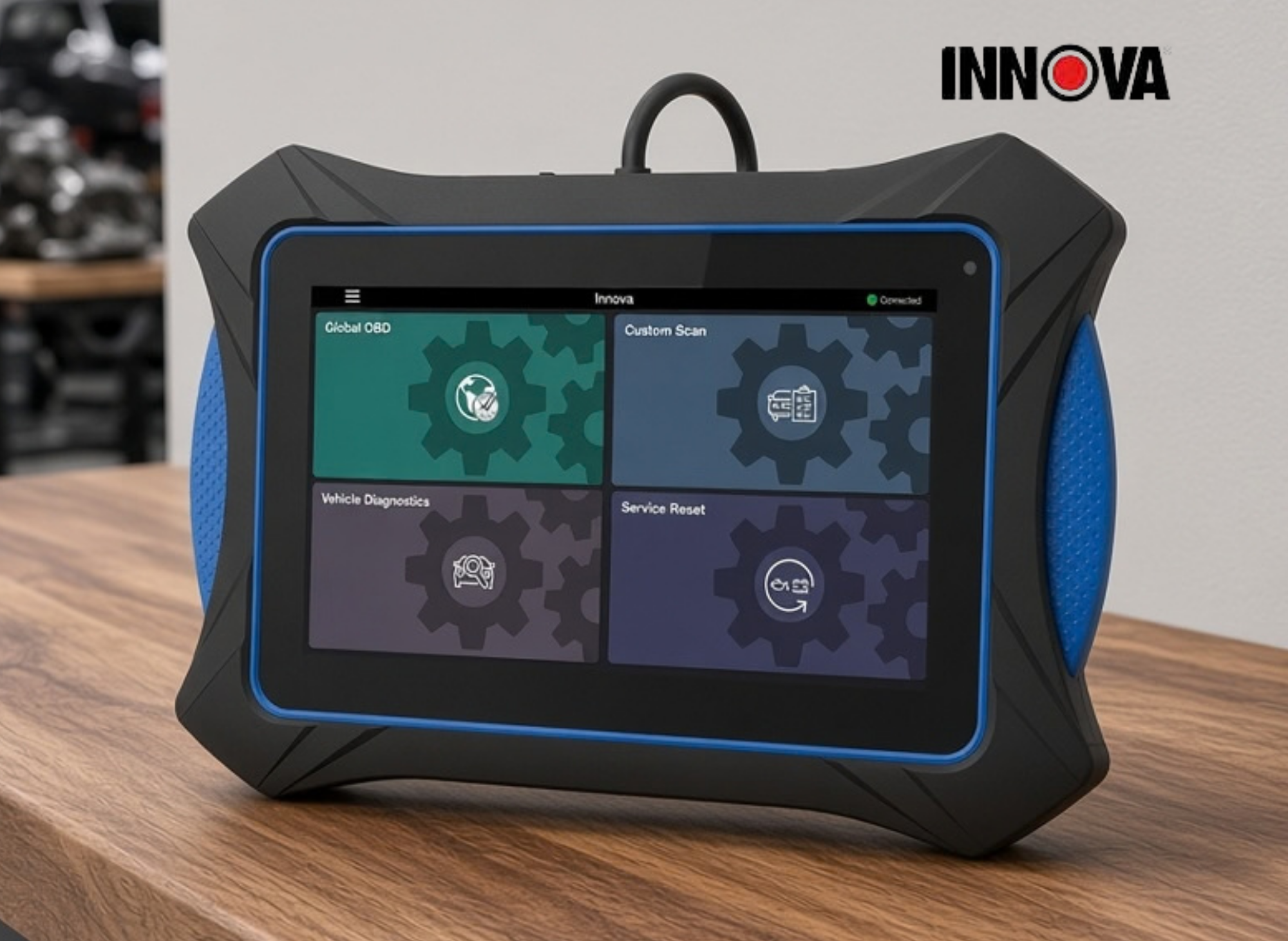
Innova 7111 OBD2 Tablet
Bi-directional scan tool & Professional OBD2 Code Reader - ABS Scan/Bleeding, TPMS, SRS, Enhanced Data Stream & Reset Function, Car Diagnostic Tool, All-System Scanner.
Overview of the Innova 7111 Smart Diagnostic System
The Innova 7111, officially branded the "Smart Diagnostic System OBD2 Tablet 7111," is an Android-based OBD2 tablet scanner with bi-directional controls designed for both experienced DIY enthusiasts and professional technicians. Unlike basic code readers that only retrieve and clear powertrain trouble codes, this tool reaches deeper into a vehicle's onboard systems, letting you interact with modules, run active tests, and stream real-time sensor data across multiple systems.
The device is designed for 1996-and-newer OBD2-equipped vehicles sold in the U.S. and Canada, covering domestic, Asian, and European makes. It supports all 10 standard OBD2 modes, from Mode 1 live data and Mode 2 freeze frame through Mode 6 non-continuous monitor tests, Mode 9 vehicle info, and Mode 10 permanent codes.
Here's a quick snapshot of what the 7111 brings to the table:
- Bi-directional (active) controls for commanding solenoids, pumps, fans, injectors, and more
- System-level diagnostics covering engine/PCM, ABS, SRS/airbag, transmission, TPMS, and body modules
- Live data streaming with graphing, recording, and playback across many PIDs simultaneously
- Wi-Fi connectivity for over-the-air firmware and database updates, no PC required
- Bluetooth VCI (Vehicle Communication Interface) connecting wirelessly to the tablet
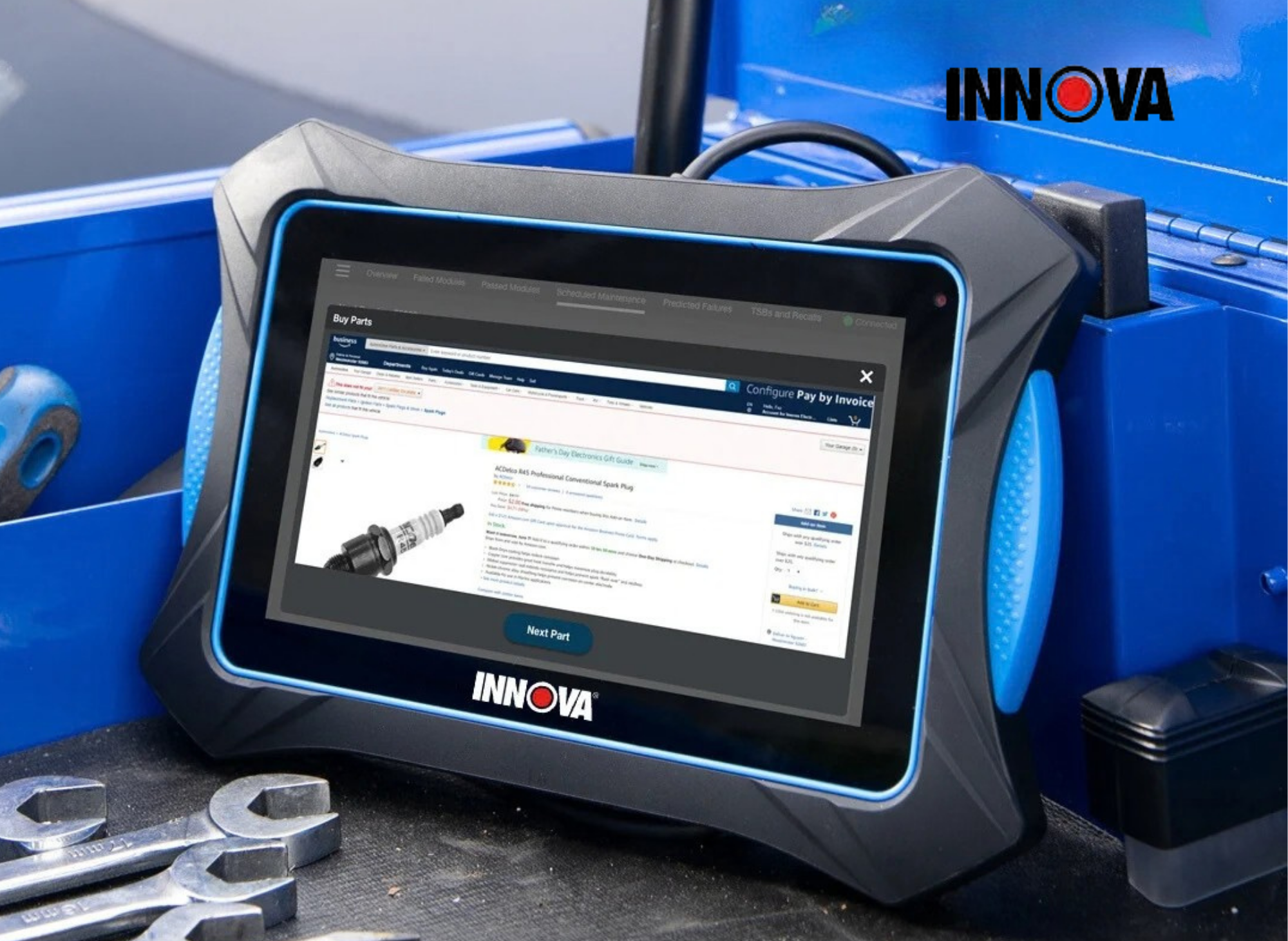
- Touch-screen tablet form factor with rugged housing and a full-color display
The Innova 7111 earned recognition including a 2021 Motor Top 20 award, positioning it as a serious contender in the mid-to-upper tier of aftermarket diagnostic tools.
How it compares to traditional handheld scanners
If you've been using a basic handheld code reader, the jump to the 7111 is significant. Traditional scanners typically let you read and clear engine codes, maybe check emissions readiness, and that's about it. The 7111 adds OEM-level data, active tests, full module scans, service resets, and the ability to graph multiple sensors at once, which is critical for tracking down intermittent problems that a snapshot-style reader will miss entirely.
The larger display makes a practical difference too. Instead of squinting at a 2-inch LCD, you're working with a 7-inch touchscreen that can show multiple data streams, color-coded graphs, and menu hierarchies without constant scrolling.
Feature | Basic Code Reader | Innova 7111 |
|---|---|---|
Read/clear engine codes | ✅ | ✅ |
All 10 OBD2 modes | ❌ | ✅ |
ABS / SRS / Transmission codes | ❌ | ✅ |
Live data graphing (multi-PID) | ❌ | ✅ |
Bi-directional active tests | ❌ | ✅ |
Service resets (oil, battery, EPB) | ❌ | ✅ |
Touchscreen display | ❌ | ✅ |
OTA updates via Wi-Fi | ❌ | ✅ |
Key Features, Live Data, and Bi-Directional Controls
This section breaks down the practical capabilities that matter day-to-day in the garage. If you're evaluating whether the 7111 justifies its price tag, the details below are where the value lives.
Live data streaming and graphing
The Innova 7111 displays real-time sensor values as they're reported by the vehicle's ECUs. You can monitor RPM, coolant temperature, oxygen sensor voltages, short-term and long-term fuel trims (STFT/LTFT), mass airflow (MAF), manifold absolute pressure (MAP), calculated engine load, vehicle speed, and dozens of other PIDs depending on the vehicle.
What makes this more useful than a basic readout is the graphing capability. You can select multiple PIDs and display them as live graphs side by side, which lets you visually correlate sensor behavior. For example, watching fuel trim drift as coolant temperature rises can reveal a failing coolant temp sensor or a vacuum leak that worsens when the engine is warm.
Users can customize which PIDs appear on screen, adjust graph scales and colors, and record entire sessions for playback later. The recorded data can then be reviewed frame by frame, which is particularly valuable for diagnosing intermittent faults that only show up under specific driving conditions.
Bi-directional (active) controls
This is where the 7111 separates itself from read-only tools. Bi-directional controls let you send commands to vehicle components directly from the tablet. Instead of just observing data, you're actively testing whether a component responds.
Available active tests vary by vehicle make and model, but commonly include:
- Commanding the cooling fan on or off
- Activating the EVAP purge solenoid
- Running injector balance tests
- Triggering the fuel pump
- Engaging ABS pump and solenoid tests
- Cycling ignition coils
These tests save significant diagnostic time. If a customer reports that their cooling fan never kicks on, you can command it directly and immediately determine whether the issue is the fan motor, the relay, or the ECU logic controlling it.
System coverage beyond powertrain
The 7111 isn't limited to the engine and powertrain. It can read and clear codes, view live data, and run diagnostics on ABS, SRS (airbag), transmission, TPMS, and body control modules on many supported vehicles. The "Scan All Systems" function runs a health check across every accessible module in one pass, giving you a quick overview of the entire vehicle before you drill into specifics.
Coverage for advanced functions varies by year, make, and model. Not every vehicle will expose every module or support every active test. Always verify using Innova's online coverage checker before assuming a feature will work on a specific car.
Service and maintenance functions
The tablet includes what Innova calls "Workshop Tools," a collection of 34 service routines and calibrations that are often reserved for dealership-level scan tools. These provide access to tasks like:
- Oil life / maintenance reset
- Battery registration and alternator test
- Electronic parking brake (EPB) service
- Steering angle sensor (SAS) calibration
- Transmission fluid change reset
- DPF (Diesel Particulate Filter) regeneration
- TPMS relearn procedures
- Idle relearn and throttle body relearn
- Headlamp calibration and suspension calibration (select vehicles)
For independent shops, these resets alone can justify the tool. Resetting an oil life monitor or registering a new battery on a BMW, for instance, usually means a trip to the dealer or buying a brand-specific tool. The 7111 consolidates many of those functions into one device.
Connectivity and interface
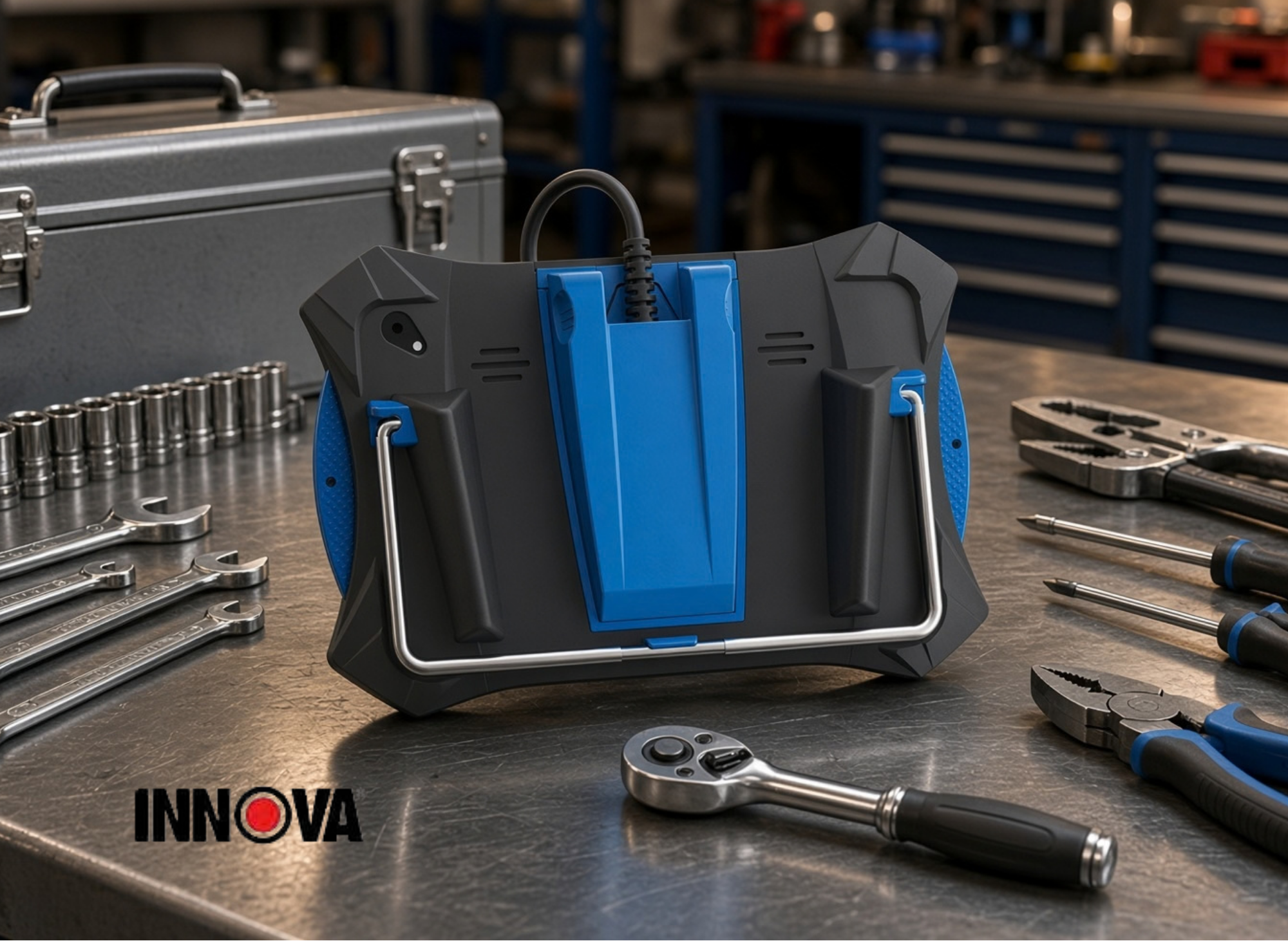
The tablet communicates with the vehicle through a detachable VCI (Vehicle Communication Interface) that pairs via Bluetooth, with a range of approximately 30 feet. The OBD2 cable itself is a six-foot detachable cord with a standard 16-pin connector. The tablet connects to the internet via Wi-Fi, which is how firmware and database updates are delivered.
The display is a 7-inch touchscreen powered by Android, with a resolution that varies slightly by production run (1024×600 or 1280×720 depending on version). The interface uses clear icons and menu structures that feel familiar if you've used any Android device. Battery capacity is around 6000 mAh, which translates to roughly six hours of typical use before needing a charge. Operating temperature range is 23°F to 113°F (−5°C to 45°C).
Data management
You can save diagnostic sessions, freeze-frame data, and screenshots directly on the tablet. This is useful for technicians who need to document findings for customers, compare readings before and after a repair, or revisit a tricky diagnosis later. Saved reports can be reviewed on the device itself or potentially shared through the RepairSolutions ecosystem.
Practical Use Cases, Setup, and Buying Considerations
The Innova 7111 is designed to fit real-world workflows, whether you're a DIY owner maintaining a household fleet, an independent shop handling walk-ins, or a mobile technician who needs a capable tool that travels well.
Initial setup
Getting from the box to your first scan is straightforward:
- Charge the tablet fully using the included charger.
- Power on and connect to Wi-Fi through the tablet's settings menu.
- Register or sign in through Innova's system (RepairSolutions or RepairSolutionsPRO).
- Run the first software and database update over Wi-Fi. This is critical, as the initial firmware may not include the latest vehicle coverage.
- Pair the Bluetooth VCI to the tablet through the device settings.
- Verify vehicle coverage using Innova's online coverage checker for your specific year, make, and model before your first diagnostic session.
The package includes the tablet, VCI, six-foot OBD2 cable, charger, and a molded storage case.
Typical diagnostic workflow
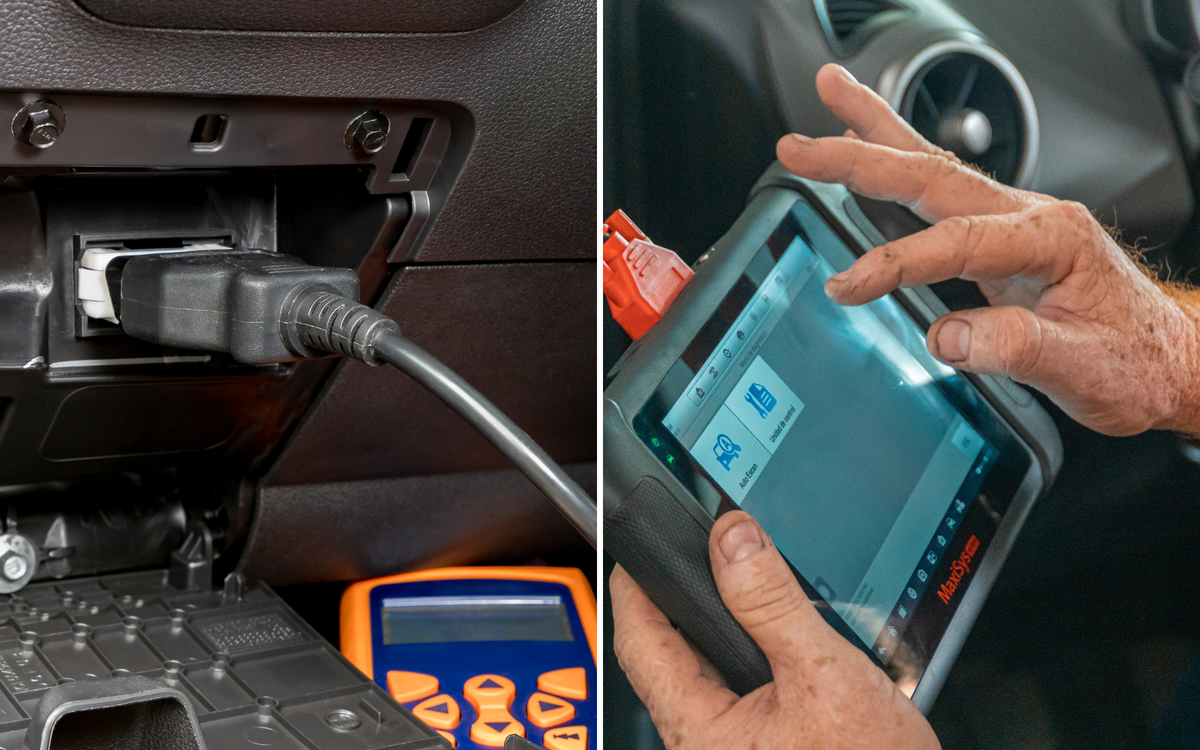
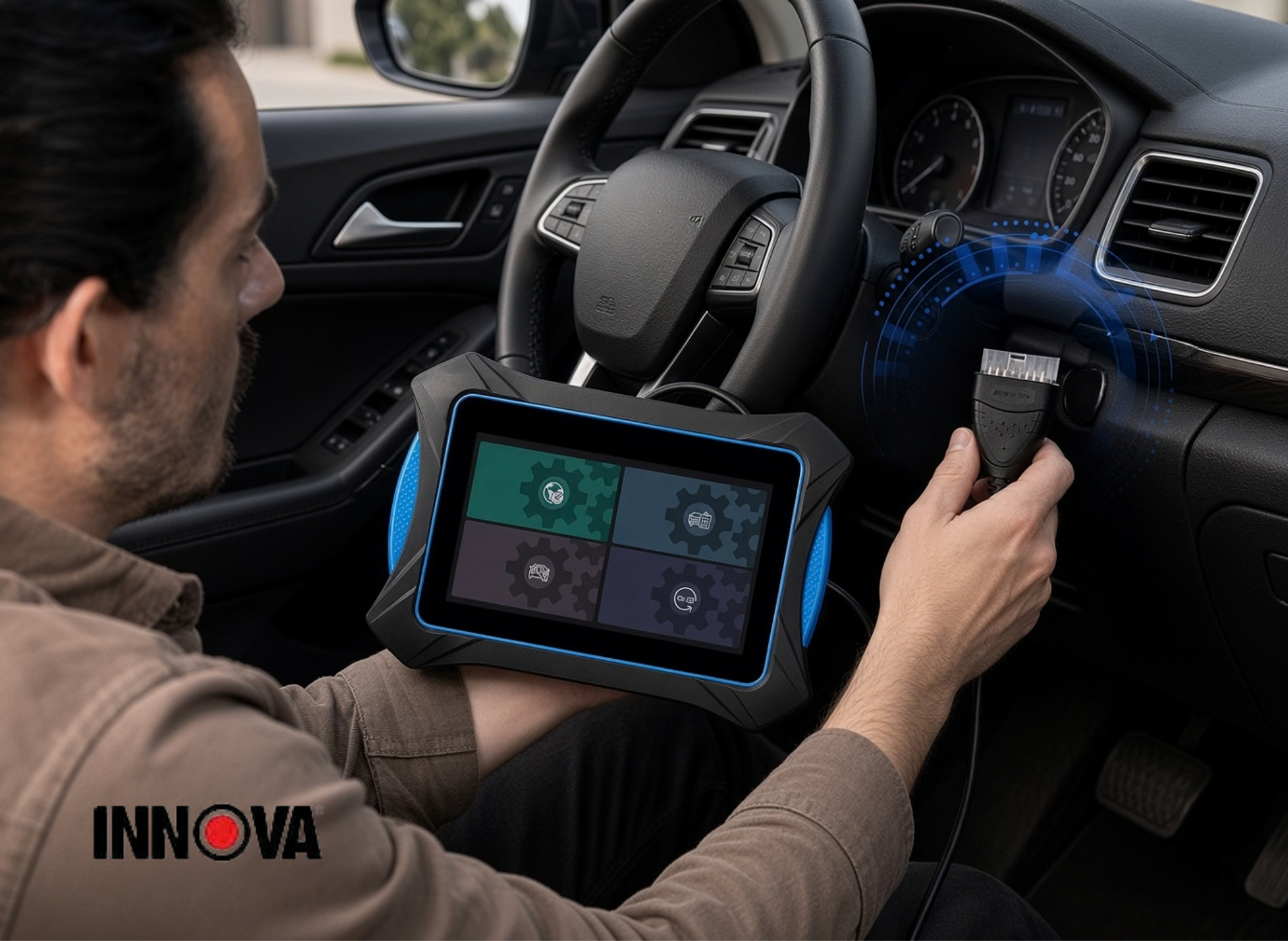
A standard diagnostic session looks like this: plug the VCI into the vehicle's OBD2 DLC (usually found under the dashboard on the driver's side), and the tablet will attempt to auto-decode the VIN. If it can't, you select the vehicle manually. From there, run "Scan All Systems" to get a health report across all accessible modules.
Review any stored DTCs, check freeze-frame data for context on when the fault occurred, and then switch to live data to observe sensor behavior in real time. If you need to verify a component, run an active test. Once the repair is confirmed and readings look normal, clear the codes and re-scan to verify everything is clean.
Real-world scenario examples
Rough idle diagnosis. A customer complains of a rough idle that comes and goes. Pull up live data for STFT and LTFT on both banks, O2 sensor voltages, engine load, and coolant temperature. Graph these together while the engine warms from cold start to operating temperature. If you see fuel trims drifting heavily positive on one bank, you've likely found a vacuum leak on that side. Once fixed, re-scan and monitor to confirm trims return to normal.
Intermittent ABS light. The ABS warning light flickers during low-speed driving. Use the all-system scan to pull ABS module codes, then switch to live data and graph individual wheel speed sensors. Drive the vehicle at low speed and watch for a sensor that drops to zero or shows erratic readings. You can also command the ABS pump or solenoid test to verify the hydraulic unit responds correctly.
Cooling fan failure. The engine overheats in traffic but runs fine at highway speed. Use the bi-directional test to command the cooling fan on directly. If the fan spins, the motor and relay are good, and the issue is likely in the ECU logic or temperature sensor signal. Monitor coolant temp sensor live data simultaneously to see if the ECU is receiving the correct temperature reading.
Compatibility and coverage caveats
The 7111 supports most 1996-and-newer OBD2 vehicles sold in the U.S. and Canada. However, advanced features like bi-directional controls, OEM live data, and specific service resets are brand-and-year dependent. A feature that works perfectly on a 2018 Ford F-150 might not be available on a 2004 Subaru Outback.
Some functions are explicitly not supported. ECU reprogramming and key fob programming, for instance, are outside the scope of this tool. The device is also region-restricted to U.S. and Canadian OBD2 protocols, so international buyers should verify compatibility before purchasing.
Update policy and support
One of the strongest selling points is that Innova provides free over-the-air updates with no subscription fee. This is increasingly rare in the diagnostic tool market, where competitors are moving toward annual subscription models for continued access to vehicle databases and features.
Updates are delivered via Wi-Fi and typically include expanded vehicle coverage, new service routines, bug fixes, and UI improvements. Staying current on updates matters because each release can add support for newer model years or additional modules on existing vehicles. Innova also offers ASE-certified technical support and maintains a knowledge base with articles, manuals, and how-to videos.
Buying considerations
The Innova 7111 is priced at approximately $899. That's a significant investment for a hobbyist, but it makes sense quickly if you consider the alternative.
User Type | Primary Benefit |
|---|---|
DIY owner with multiple vehicles | Eliminates repeated shop visits for diagnostics across different makes |
Advanced hobbyist | Access to OEM data, active tests, and service resets without brand-specific tools |
Independent repair shop | Dealership-level resets and diagnostics without dealership tool costs |
Mobile technician | Portable tablet form factor with wireless VCI and long battery life |
If you're paying $100–$150 per diagnostic visit at a shop, the tool pays for itself after six to nine visits. For a shop owner, the math is even more favorable since you're generating revenue with every scan.
Durability and ergonomics
The tablet uses a rugged ABS housing designed to handle drops, vibrations, and the general chaos of a working garage. The six-foot detachable OBD2 cable provides enough reach for comfortable use from the driver's seat or the engine bay. Bluetooth connectivity to the VCI means you can walk around the vehicle with the tablet in hand, up to about 30 feet away.
Screen brightness is adequate for indoor shop use, though bright direct sunlight can be challenging, as it is with most tablet-style devices. The built-in battery provides roughly six hours of use, which is enough for a full day of intermittent scanning without needing to plug in.
Pros and limitations at a glance
The Innova 7111 delivers deep diagnostics, OEM-level system coverage, live data graphing with recording, bi-directional active tests, and a comprehensive set of service resets, all in a portable tablet with no recurring subscription costs.
The limitations are real but manageable: not every advanced function works on every vehicle, there's a steeper learning curve compared to basic scanners, the device is physically larger and more expensive, and it lacks ECU reprogramming or key programming capabilities.
For anyone who has found themselves limited by a basic code reader and wants to move toward professional-level diagnostics without the five-figure price tag, it's a compelling option.
Before purchasing, use Innova's online coverage checker to confirm that the specific functions you need are supported on your vehicles. This one step can save you from disappointment and ensure the tool delivers on its promise for your exact use case.
Thank you for reading!
Your friend,
Todd
This site contains affiliate links, and we may earn a commission at no extra cost to you. All recommended products are thoroughly vetted.
Innova7111 #OBD2Tablet #ScanTool #CarDiagnostics #BidirectionalScanner #AutoRepair #DIYMechanic #MechanicTools #OBD2Scanner #CarTech
🔧🚗💻🛠️📱
Amazon Prime offers a wide range of products to meet diverse customer needs, all with the added benefit of fast, reliable delivery. From household essentials and groceries to electronics, clothing, and entertainment, Prime members get access to exclusive deals and discounts across a wide range of categories.
Additionally, Prime membership includes access to services like Prime Video for streaming movies and TV shows, Amazon Music for ad-free music, and Prime Reading for eBooks and magazines. This comprehensive suite of benefits makes Amazon Prime a convenient and value-packed option for millions of customers worldwide.
- Prime for you, adult
- Free 30-day trial of Prime
- All of Prime, half the price.
- Prime Video
- Wedding Registry
- Kindle Unlimited
- Amazon Music
 Todd Bandel
 Todd Bandel
 Todd Bandel
 Todd Bandel
 Todd Bandel
 Todd Bandel
 Todd Bandel
 Todd Bandel